
MetaTrader 5 Trading Platform
MetaTrader 5 is the primary trading platform used by RockGlobal. It is designed for professional and experienced market participants who require robust execution, advanced analysis tools, and multi-asset market access within a disciplined trading environment. RockGlobal uses MT5 to support structured trading workflows across supported markets, with a focus on execution clarity, platform stability, and transparency.
MT5 as a professional trading platform
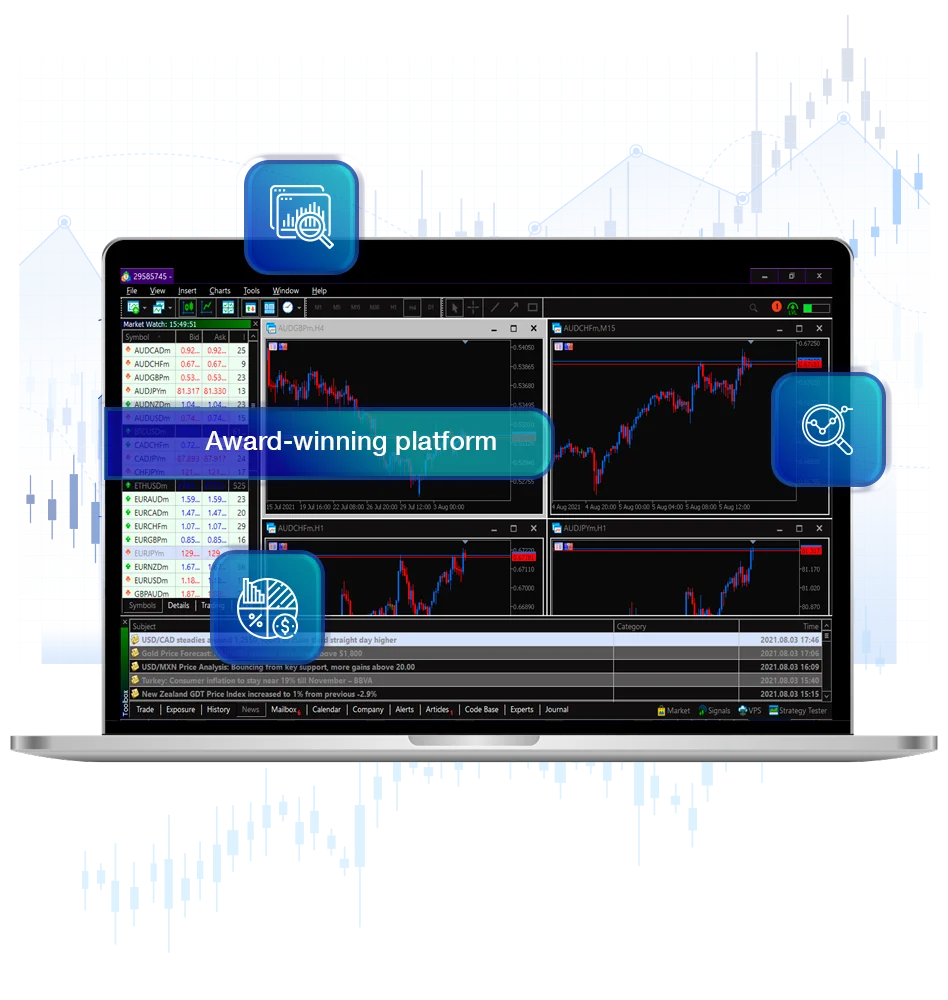
MetaTrader 5 is a multi-asset trading platform developed to support modern market structures. It provides traders with tools for price analysis, order management, and automated trading across a wide range of financial instruments.
The platform supports discretionary trading, systematic strategies, and algorithmic execution through Expert Advisors. It also includes integrated tools such as an economic calendar, market depth display, and advanced charting functionality.
- Advanced charting and technical analysis tools
- Multiple order types and execution modes
- Integrated economic calendar
- Strategy testing and optimisation environment
- Support for automated trading systems
- Market depth and pricing visibility
MT5 is widely used by professional traders, brokers, and institutions due to its flexibility and extensibility.
Trading global markets through MT5
Through MetaTrader 5, RockGlobal provides access to a range of global financial markets, subject to client eligibility, jurisdiction, and account configuration.
MT5 supports trading across multiple asset classes within a single platform interface, allowing traders to monitor, analyse, and manage positions from one environment.
Access to specific instruments and markets depends on the client’s classification and onboarding pathway.
Choose your platform to download:

Windows

WebTrader

Mac

Android

iOS
Platform access and supported devices
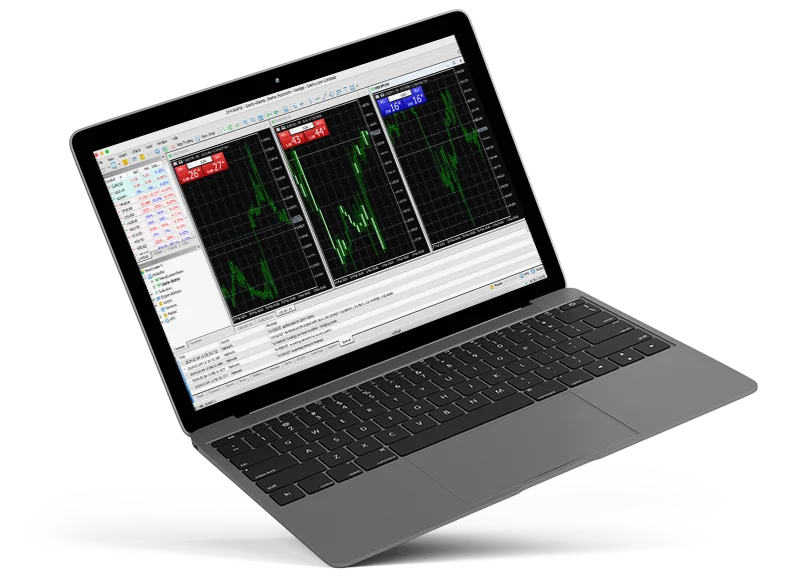
MetaTrader 5 is available across desktop, web, and mobile environments. This allows traders to access the platform from multiple devices while maintaining a consistent trading experience.
Click on the options below to download

Windows

WebTrader

Mac

Android

iOS
Core MT5 features at RockGlobal

Execution and order management
Supports multiple order types and execution methods, allowing traders to manage entries, exits, and risk.

One-click and chart-based trading
Enables faster order placement directly from charts for experienced users.

Customisable interface
Charts, indicators, and layouts can be configured to suit individual workflows.

Automated trading via Expert Advisors
Supports algorithmic trading strategies and rule-based execution.

Fully customisable charts for design
Tailor your charting tools to fit your unique trading style.

Technical analysis tools
Includes a broad range of built-in indicators and drawing tools.

Multiple timeframes
Supports analysis across short-term and long-term horizons.

Desktop and mobile compatibility
Access positions and monitor markets across devices.

Some features are limited to desktop or specific platform versions.
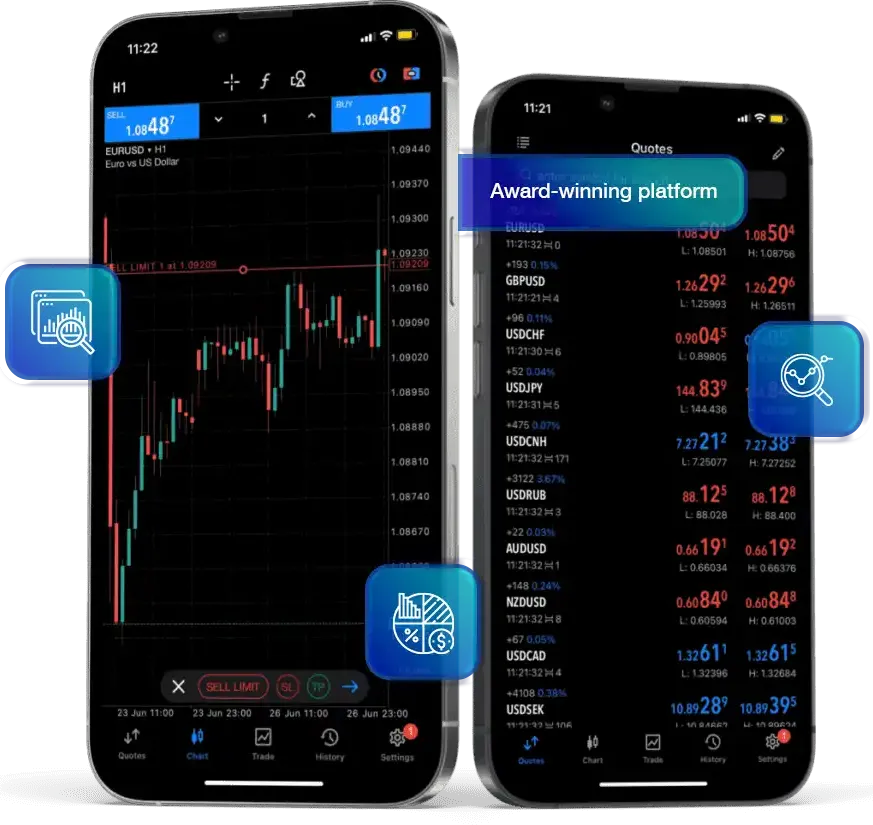
Mobile trading with MT5
The MetaTrader 5 mobile application allows traders to monitor markets, manage open positions, and place orders while away from their desktop environment.
The mobile platform includes interactive charts, order management functionality, and access to account information. It is intended as a complementary tool rather than a replacement for full desktop analysis.
Installing MT5 on macOS
MetaTrader 5 can be used on macOS systems. Installation methods and compatibility depend on system configuration.
MT5 Compatibility
- Supports Apple M-series processors
- Compatible with recent macOS versions
- No additional components required for native versions where available
Install PlayOnMac
- PlayOnMac is a free, Wine-based software for running Windows apps on Mac.
- Download PlayOnMac from its official website and run the DMG file to install it.
XQuartz Installation
- PlayOnMac requires XQuartz for running graphical user interfaces on UNIX-like OS.
- Follow prompts to install XQuartz or choose not to install it if it’s already installed.
- After installing XQuartz, restart your Mac
- Re-launch PlayOnMac to install necessary Windows fonts.
MT5 Platform Installation
- Download the MT5 installer from RockGlobal ***here*** “mt5setup.exe.”
- Run the setup file using PlayOnMac, following the standard installation process.
- Create shortcuts for MT5 components (MetaEditor, MetaTester, etc.).
- Launch the platform by double-clicking on it in the PlayOnMac window.
Platform Data Directory
- PlayOnMac creates a virtual drive for the MT5 platform.
-
Default data folder path: Library/
PlayOnMac/ WinePrefix/ Client_Terminal_/ Drive C/ Program Files/ Client Terminal
Platform use and trading risk
While MetaTrader 5 provides advanced trading tools, platform functionality does not reduce market risk. Trading outcomes depend on market conditions, execution factors, and individual decision-making.
MT5 is designed for informed users who understand how markets operate and who are able to assess risk independently.
Related information
- Markets Overview: Available instruments and market structure
- Execution and Pricing: How pricing and execution work
- Client Eligibility: Who RockGlobal services
- Risk Disclosure: Key trading risks
Learn more about the RockGlobal platform
For platform documentation, supported markets, or technical questions, view the related resources or contact the RockGlobal team.